
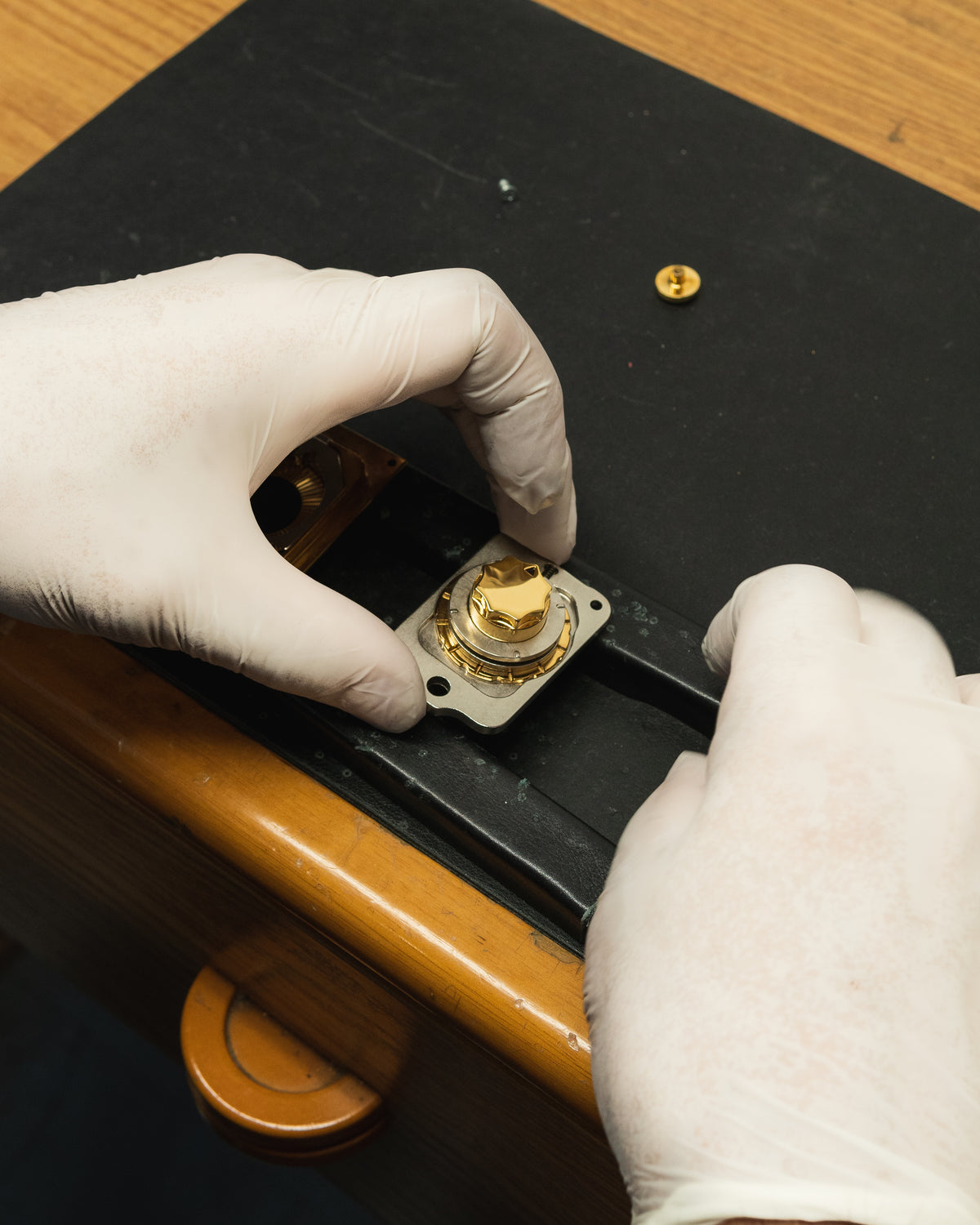
MMC Colombo "Orologio" Lock Development
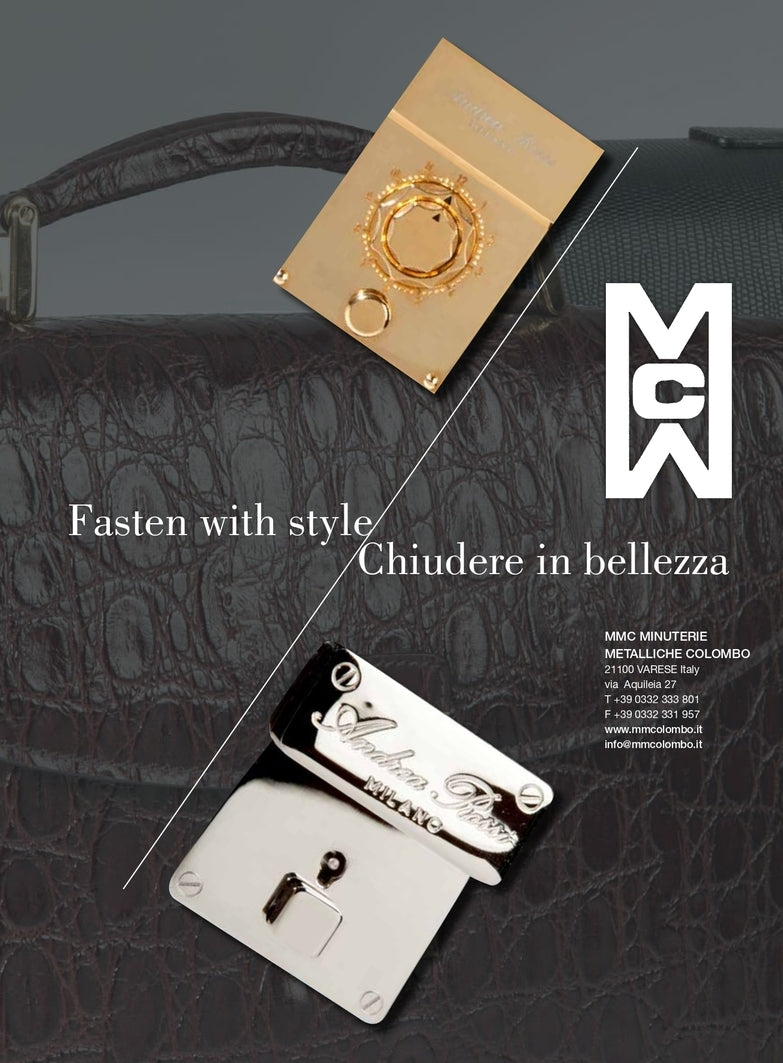
This is just a small part of the work and effort we put into developing our "Orologio" lock. A little masterpiece that represents all our technical knowledge and perfection-seeking design.




PREMIERE VISION PARIS | The global event for fashion professionals
Join us at Hall 1 Stand 1J8 1L7
Read more